Stop losing track of customers, tasks, jobs, and follow-ups.
Arsenal Media helps contractors and service businesses find where work is getting scattered, then builds the practical command center, website, and SEO content needed to make the next step clear.
Where is the work getting hard to track?
Most businesses do not have a people problem. They have a visibility problem. Send the quick version and I’ll look for where customers, tasks, jobs, or follow-ups are getting scattered.
Your business may not be disorganized. Your information may just be spread everywhere.
Customers in email. Follow-ups in someone’s head. Job updates in text messages. Employee tasks in a spreadsheet. Photos on a phone. Notes buried in old threads.
That is not a people problem. Most teams are working hard. The problem is visibility. When the work is scattered, the owner becomes the dashboard and the team has to chase updates instead of moving the job forward.
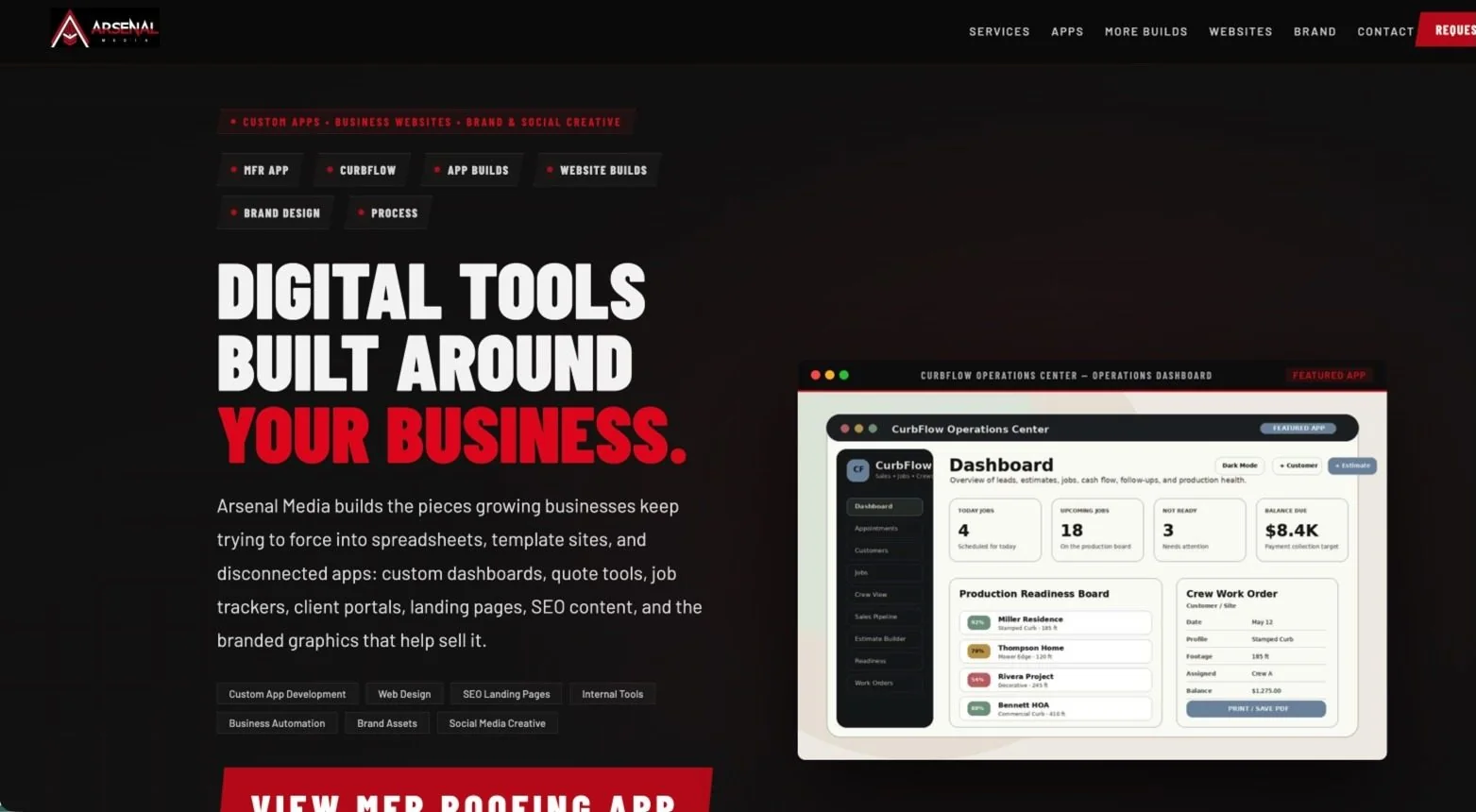
Arsenal Media builds around that problem. The goal is simple: give your business one clearer place to track what is open, assigned, overdue, waiting on a customer, completed, and ready for the next step.
Better visibility before more software.
The first step is not always a big build. Sometimes it starts by mapping where the work gets lost and deciding what needs to be easier to see.
Request a Workflow ReviewPractical systems that help businesses respond faster and stop missing the next step.
Each service can stand alone, but the strongest results happen when your workflow, website, content, and follow-up process are all pointed at the same problem.
Workflow Review
A practical review of how your business currently tracks customers, employee tasks, requests, jobs, follow-ups, and daily operations.
Business Command Center Dashboards
Custom dashboards that give owners and teams one place to see open items, assigned work, overdue tasks, customer requests, job status, and next actions.
Contractor CRM Software
Lead, quote, customer, appointment, job, and follow-up tracking for contractors who have outgrown spreadsheets, whiteboards, and disconnected tools.
Business Websites That Explain the Offer Clearly
Websites and landing pages that show what you do, build trust, and turn the right visitors into real conversations instead of vague form fills.
SEO Services and Problem-Based Content
Local SEO, service pages, blog content, metadata, schema, and internal linking built around what business owners are actually searching for when things feel messy.
Demo-First App and Dashboard Builds
Clickable demos and first-version dashboards that make the idea visible before a full production build. This helps owners see the problem disappear before overcommitting.
Good fit signs.
You probably do not need another generic tool. You need a clearer way to see and move the work that already exists.
The next step keeps getting missed.
Customers wait too long for replies, estimates sit without follow-up, and no one is completely sure who owns the next action.
Your team has to ask “where are we at?” too often.
When updates live in emails, texts, spreadsheets, and memory, managers spend too much time chasing information.
The owner has become the system.
If everything depends on the owner remembering, checking, texting, and reminding people, the business needs better visibility.
The spreadsheet still exists, but no one trusts it.
It gets outdated, duplicated, ignored, or turned into a second job. That is a sign your workflow may need a dashboard.
Customers are waiting because the system is slow.
Response time suffers when the team cannot quickly see what is new, assigned, overdue, waiting, or completed.
Your website does not explain the business clearly.
If visitors cannot quickly understand what you do, why it matters, and what to do next, your lead flow is probably weaker than it should be.
Start with the workflow, then build the right thing.
The best projects do not start with a feature list. They start by finding where the business is losing time, missing follow-ups, or creating confusion.
Built from Fort Collins for service businesses across Northern Colorado.
Arsenal Media is based in Fort Collins, Colorado and works with contractors, field teams, churches, nonprofits, facility teams, venues, studios, and service businesses across the Northern Colorado Front Range.
For local businesses, SEO should match how people actually search when they feel the pain. That means content around missed follow-ups, customer request tracking, work orders, quotes, jobs, employee tasks, operations dashboards, and better ways to replace spreadsheets.
Whether you serve Fort Collins, Loveland, Windsor, Greeley, Longmont, Boulder, Denver, Larimer County, Weld County, Boulder County, or surrounding Front Range communities, the goal is the same: help better-fit customers find you and give them a clear reason to reach out.
Start where the pain is obvious.
Examples of the work in action.
These projects show how Arsenal Media thinks about visibility, workflow, customer tracking, and clear customer-facing presentation.
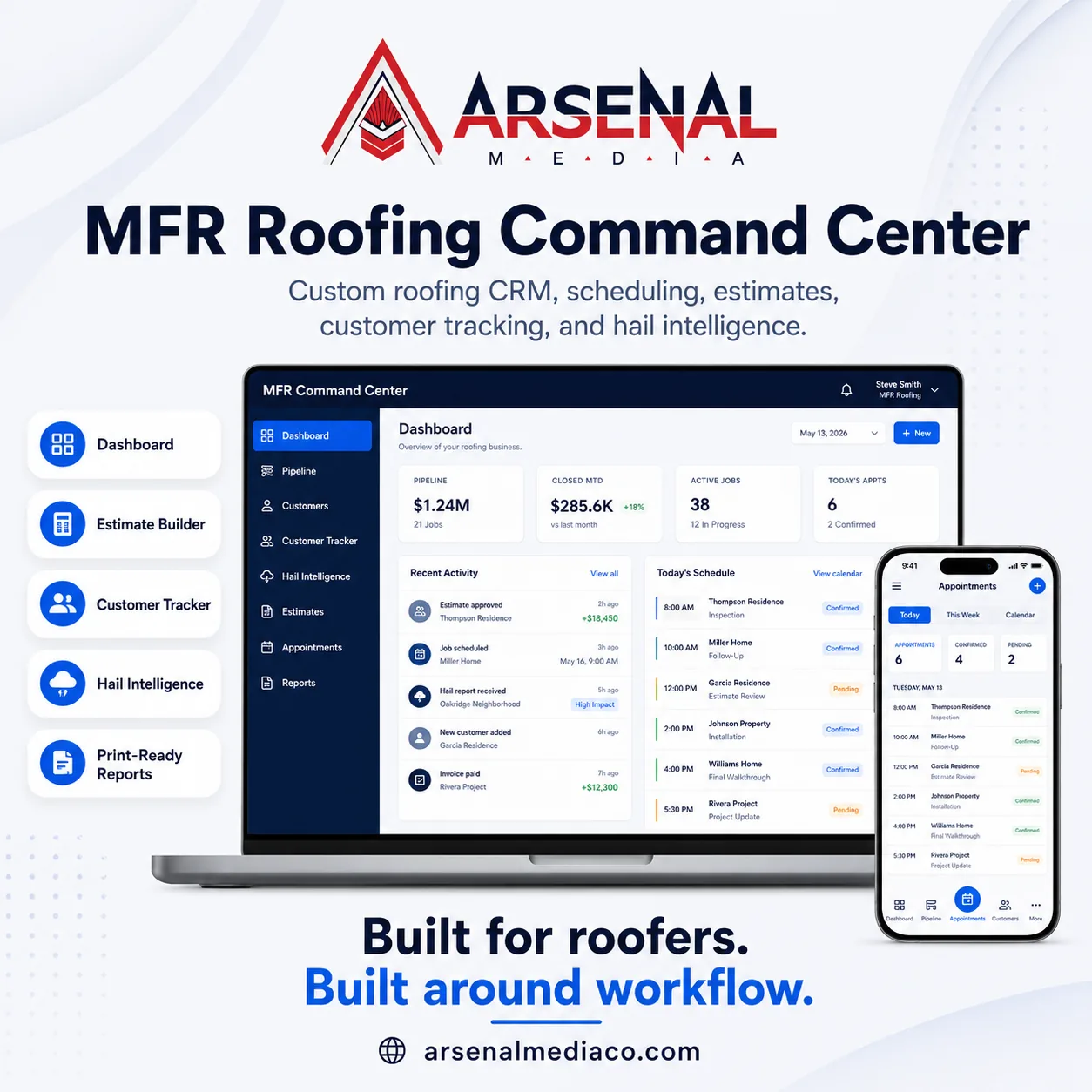
MFR Roofing Command Center
A custom roofing CRM demo with estimates, customer tracking, appointments, reporting, and hail intelligence.
View Case Study
Studio Facility Commander
A facility operations dashboard concept for work orders, assets, vendors, inventory, and daily maintenance visibility.
View Case Study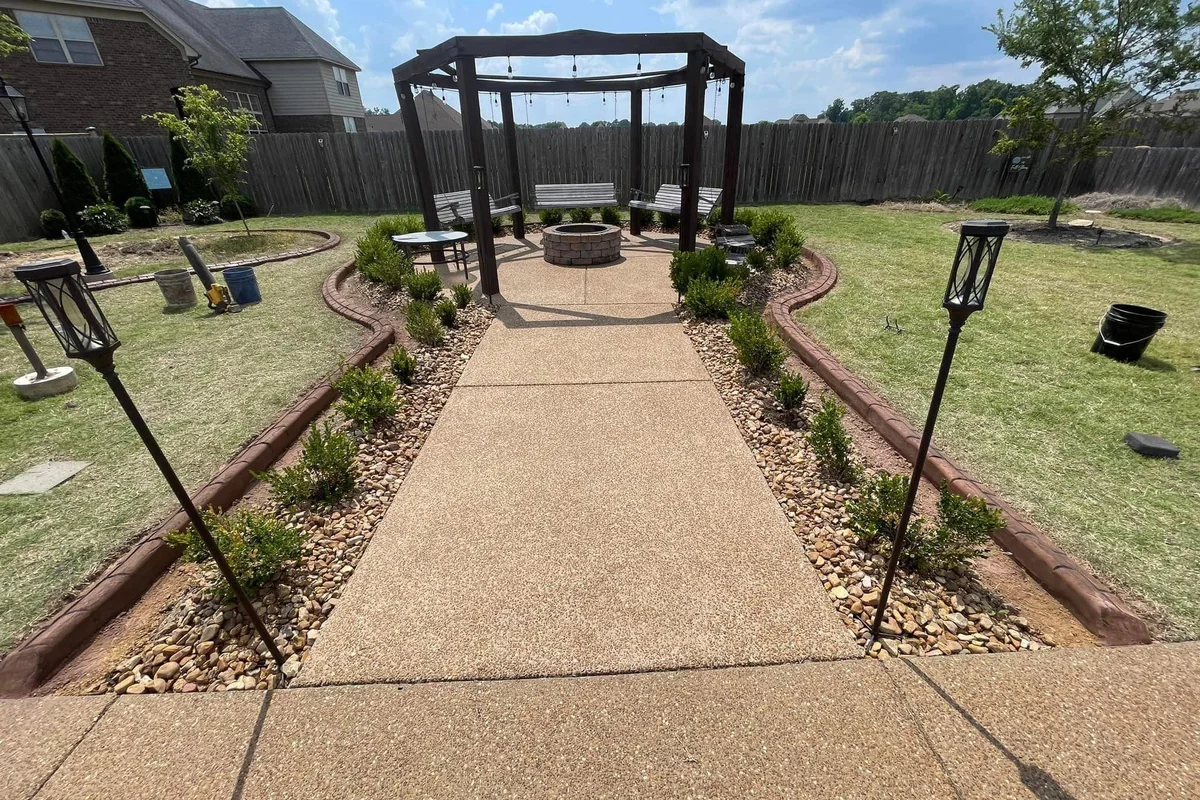
Decorative Curbing Website
A local service website example built to show the work clearly, explain the offer, and help visitors request a quote.
View Case StudyCommon questions about Arsenal Media services.
Straight answers before we get into a project conversation.
What is a workflow review?
A workflow review looks at how your business currently tracks customers, employee tasks, requests, jobs, follow-ups, and daily operations. The goal is to find where time and communication are being lost before deciding what to build.
What is a business command center dashboard?
It is a central dashboard that helps your team see open items, assigned work, overdue follow-ups, customer requests, job status, and next actions in one place.
Do I need custom software or a regular CRM?
Maybe either one. If a regular CRM fits your workflow, that may be enough. If your process involves custom job stages, field notes, photos, work orders, internal requests, or owner-specific reporting, a custom dashboard may be a better fit.
Can Arsenal Media also help with the website and SEO?
Yes. The website, SEO content, blog posts, service pages, forms, and calls to action should support the same business problem the dashboard is solving.
Who are these services best for?
They are best for contractors, service businesses, churches, nonprofits, facility teams, venues, and growing companies that need better visibility and fewer things falling through the cracks.
Can we start small?
Yes. Many projects should start with a workflow review, focused demo, landing page, SEO cleanup, or small first-version dashboard before investing in a larger build.
Want to see where your business is losing time?
Request a workflow review. We will look at how your business tracks customers, tasks, requests, jobs, and follow-ups, then identify where a simple command center, website, or SEO plan could make the next step clearer.
Ready to stop losing track of important things?
Tell me how your business currently tracks customers, tasks, requests, jobs, and follow-ups. I’ll review the workflow and point you toward the simplest next step.
- Find where follow-ups are being missed.
- See what should live in one command center.
- Decide whether you need an app, CRM, website, SEO plan, or smaller first step.